Let me save you 20 minutes of searching. You can't drag an MP3 into an Instagram story. No hidden setting, no beta, no growth hack. The music sticker you keep tapping only searches the licensed library Meta pays for, and if your track isn't sitting in that library, that sticker will never find it.
Now the good news, because there's a lot of it. Your song can absolutely end up in your story. You just have to stop hunting for a button and start acting like someone who makes video.
The thesis is simple: put the audio inside the video before Instagram ever sees it. Simple isn't easy, but it's four minutes the first time and about forty seconds every time after.
First, see why the sticker keeps failing you
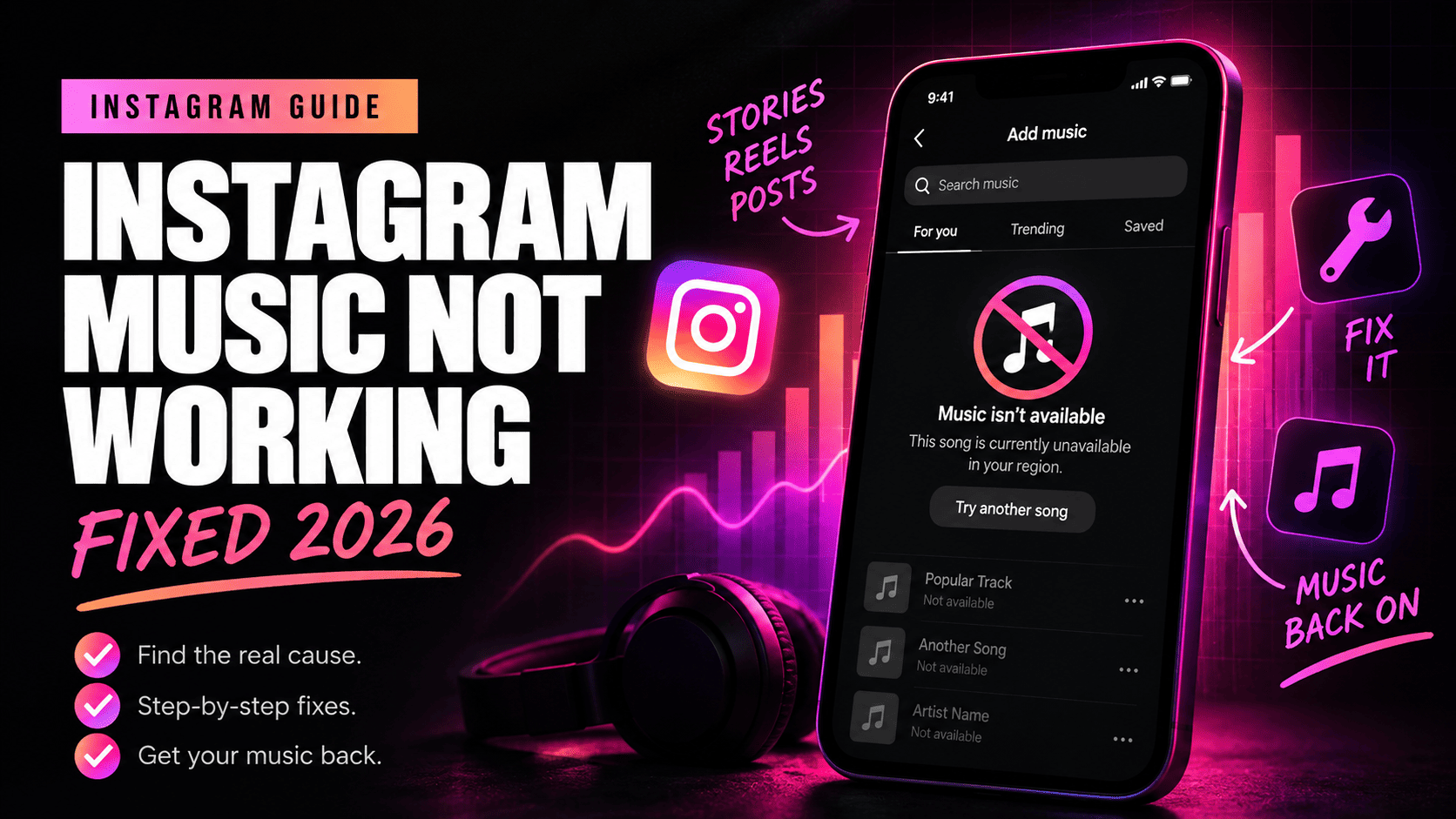
Open a story, tap the sticker icon, tap Music. What you're looking at is a search box wired to Instagram's catalog. Your voice memo isn't there. Your unreleased demo isn't there. The jingle your cousin made for your detail shop in his bedroom at 2am isn't there.
That's not Instagram being cheap with you. That's licensing. Meta cut deals with labels so that a random 19-year-old in Ohio can put a Drake record over her dog video without getting sued, and the price of that deal is a closed catalog. Fine. Take the deal, then go around it legally.
Route 1: play the song out loud and film it
Crudest one, works on every phone, takes 30 seconds. Start the track on a speaker, open your story camera, and record. The microphone picks up the room, the room has your song in it, and Instagram treats the whole thing as the video's original audio.
- Start the music on a Bluetooth speaker or a second phone. Loud enough to be present, quiet enough not to distort.
- Open Instagram, swipe right into the story camera.
- Hold the record button and film. Up to 60 seconds per clip.
- Post it.
You'll lose some quality; you'll pick up the dishwasher, the dog, your roommate. Sometimes that's the charm and sometimes it's garbage. If you're filming a behind-the-scenes moment at your shop, go for it. If you're posting the ad for your product launch, don't.
Route 2: bake it in with CapCut or InShot
This is the one I'd use for anything with money behind it. You build the video with the audio already inside, export it, then hand Instagram a finished file. Instagram doesn't know or care where the sound came from, because it's part of the video now.
- Install CapCut or InShot. Both free, both fine.
- Start a new project and pull in your photo or clip.
- Tap Audio. In CapCut go to Sounds, then the device or extract option; in InShot it's Music, then My Music or Files. MP3, M4A and WAV all load.
- Trim it. Get the drop or the first lyric landing where the visual actually changes, not two seconds late.
- Drop your video's own volume to something like 20% if there's talking underneath, so the music sits behind the voice rather than on top of it.
- Export at 1080x1920, 30fps. That's the story frame; anything else gets squeezed.
- Open Instagram, swipe up in the story camera, grab the file from your camera roll, post.
One thing that trips people constantly: songs downloaded inside Spotify or Apple Music are DRM protected. You cannot pull those files out and drop them into an editor. Buy the track, own the file, or use something cleared for the use you're making of it.
Route 3: Edits, Instagram's own editing app
Meta shipped a free video app called Edits, and in the summer of 2025 it got the thing creators had been begging for: audio import. Start a project, open the audio panel, tap Import in the top corner, and you can either pull an audio file off your phone or rip the sound out of a video already in your camera roll. Then you export and share to your story like anything else.
Worth knowing before you get excited: the file-import half of that has rolled out unevenly, and plenty of people outside the US still only get the extract-from-video option. If you tap Import and land straight in your video gallery, that's what happened. Update the app, and if it's still not there, go back to CapCut. No drama.
Route 4: you make music? Get into the library itself
If the song is yours, stop fighting the sticker and get inside it. Upload your catalog through a distributor that delivers to Meta, and your track shows up in the same search box everyone else uses. TuneCore, DistroKid and RouteNote all do it. Delivery isn't instant; give it a couple of weeks before you panic.
Then something better happens. Your fans put your song on their stories. Their friends tap the sticker, land on your track page, and every one of those uses can generate royalties depending on your distributor's terms. You went from asking how to add your own music to an Instagram story to having 4,000 other people add it for you. That's the whole game.
If it's your voice, not a track, use voiceover
Instagram has a voiceover tool built into the story editor. Take or upload your photo or clip, open the three-dot menu, choose Voiceover, hold the mic and talk. You can record in chunks and drag them along the timeline. It records live only; it won't accept a file you already made.
Now the uncomfortable part
Meta scans audio. If you bake a commercial record into a video for your business account, there's a real chance the story gets muted, pulled, or your account gets a strike, and that risk climbs the second the post smells like an ad. Personal account posting a birthday clip with Beyoncé playing? Nobody's coming for you. Furniture brand running a product story with the same record baked in? Different conversation entirely.
I'm going to say this the way a friend says it, not the way a lawyer says it. Your account is an asset you're building for a decade. Don't hand a label a reason to nuke it over a song you could have licensed for the price of two coffees. Own the file, license the file, or use something released for commercial work.
When the music option is missing entirely
Four things cause almost all of it. Your app is old, so update it. Your account is a few days old, and music access sometimes stays locked for about a week. The song is licensed in some countries and not yours, which is why your friend in Lisbon sees a track you can't. Or you're on a business account in a region where the catalog is thinner for commercial use, and switching to a creator account brings some of it back.
One more, because it burns people every week: you can't change the audio on a story after it's live. There's no edit. Delete it, fix it, post it again. Costs you the views you already had, so check the sound before you hit share.
The part that actually matters
Everybody wants the button. Everybody wants the one setting that makes it easy. The button doesn't exist and it's never going to exist, and honestly, thank god, because the friction is exactly why most people give up and you don't.
Four minutes in CapCut. That's the whole ask. Four minutes between the sound in your head and the sound in your audience's ear, and 90% of the people reading this will still post the silent slide tomorrow because four minutes felt like too much.
Attention is the asset. Sound is one of the last cheap ways to hold it, because most feeds are still muted mush and a track that hits in the first half second makes a thumb stop. That's underpriced attention sitting right there.
Go make the video. Put your song in it. Post it before you overthink it.
Everything here reflects how Instagram, CapCut, InShot and Edits worked as of mid-2026. Menus move; the logic of baking audio into the video doesn't.